English
 Español

 Inquiry
Industry News
Home / News / Industry News / 12-Core, 24-Core, or 48-Core? How to Determine the Capacity of a Fiber Optic Terminal Box?
2026-04-16
To determine the ideal capacity for a Fiber Optic Terminal Box (FOTB), you must match the fiber count—whether 12-core, 24-core, or 48-core—to your current active subscriber density while allowing for a 20-30% growth margin for future expansion. Choosing the right capacity prevents high initial capital expenditure from over-provisioning and avoids the technical bottlenecks of under-provisioning.
Content
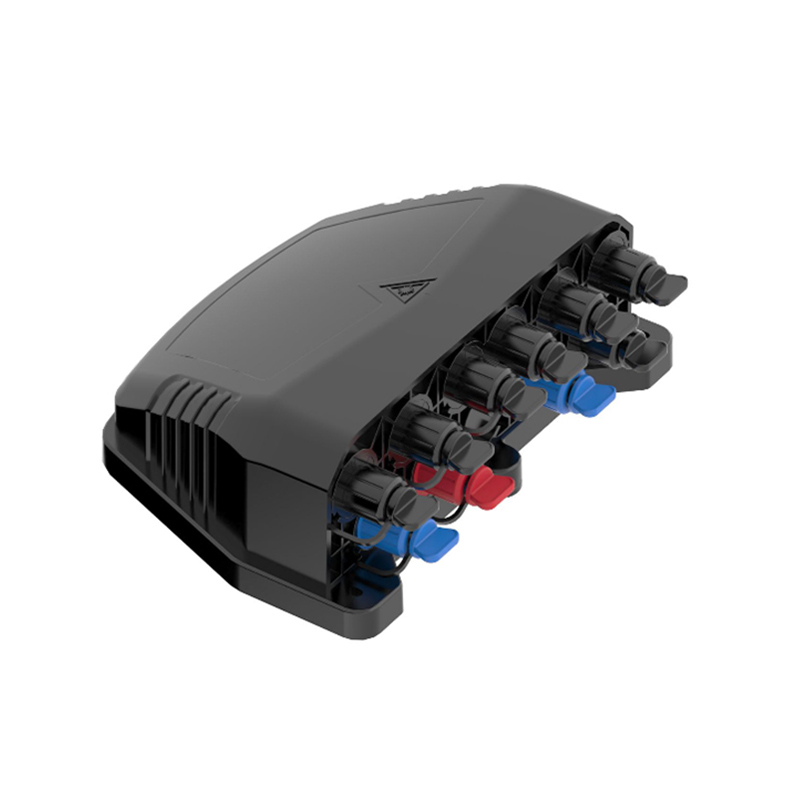
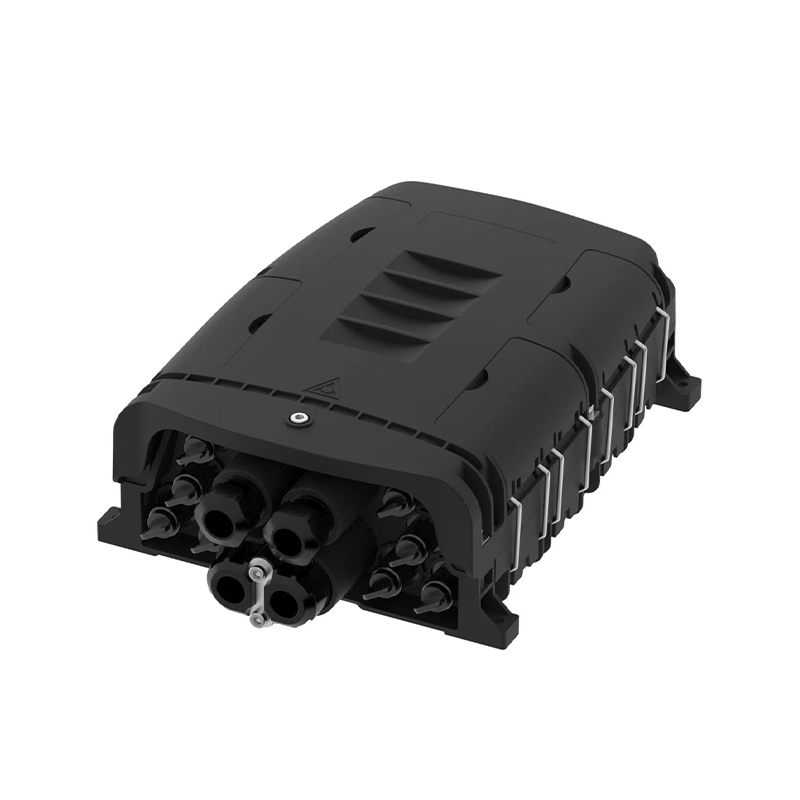
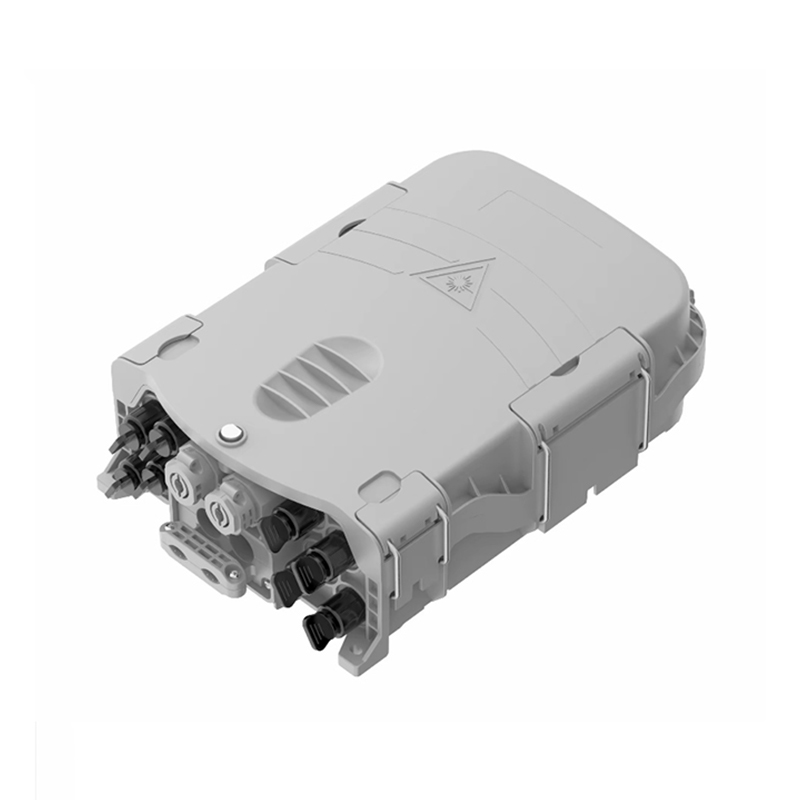
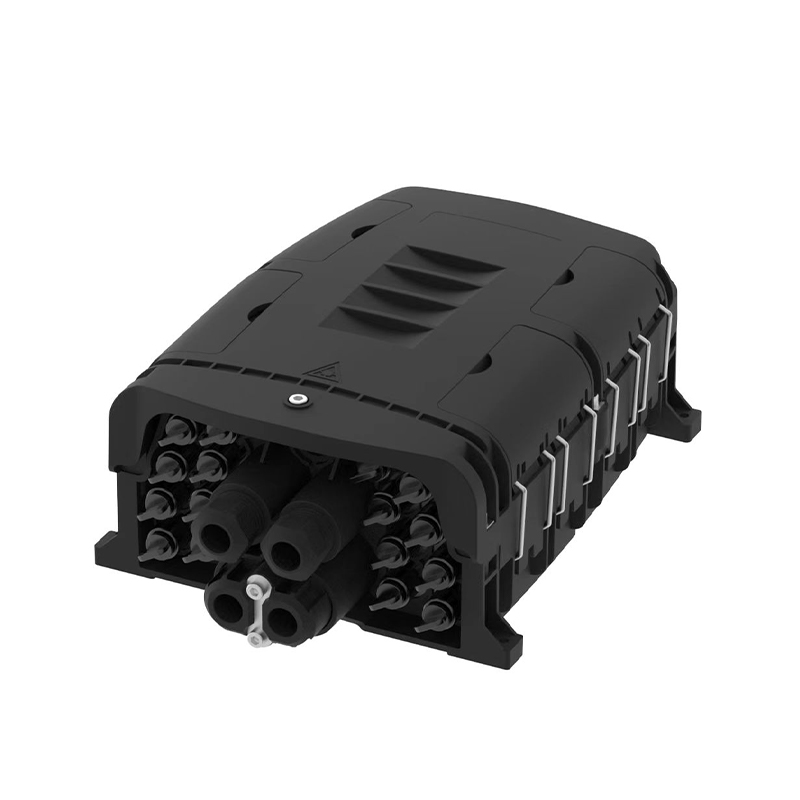
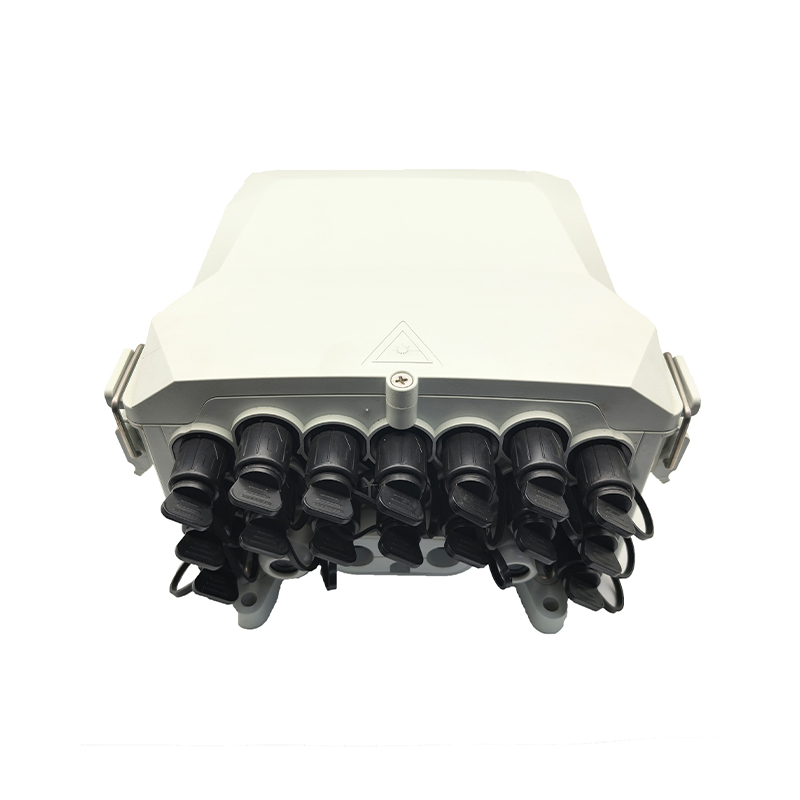
Fiber Optic Terminal Box capacity refers to the maximum number of fiber cores the unit can terminate, splice, and distribute to end-users. This physical limit is defined by the number of adapter ports (SC, LC, or FC) and the internal space available for splice trays and cable management.
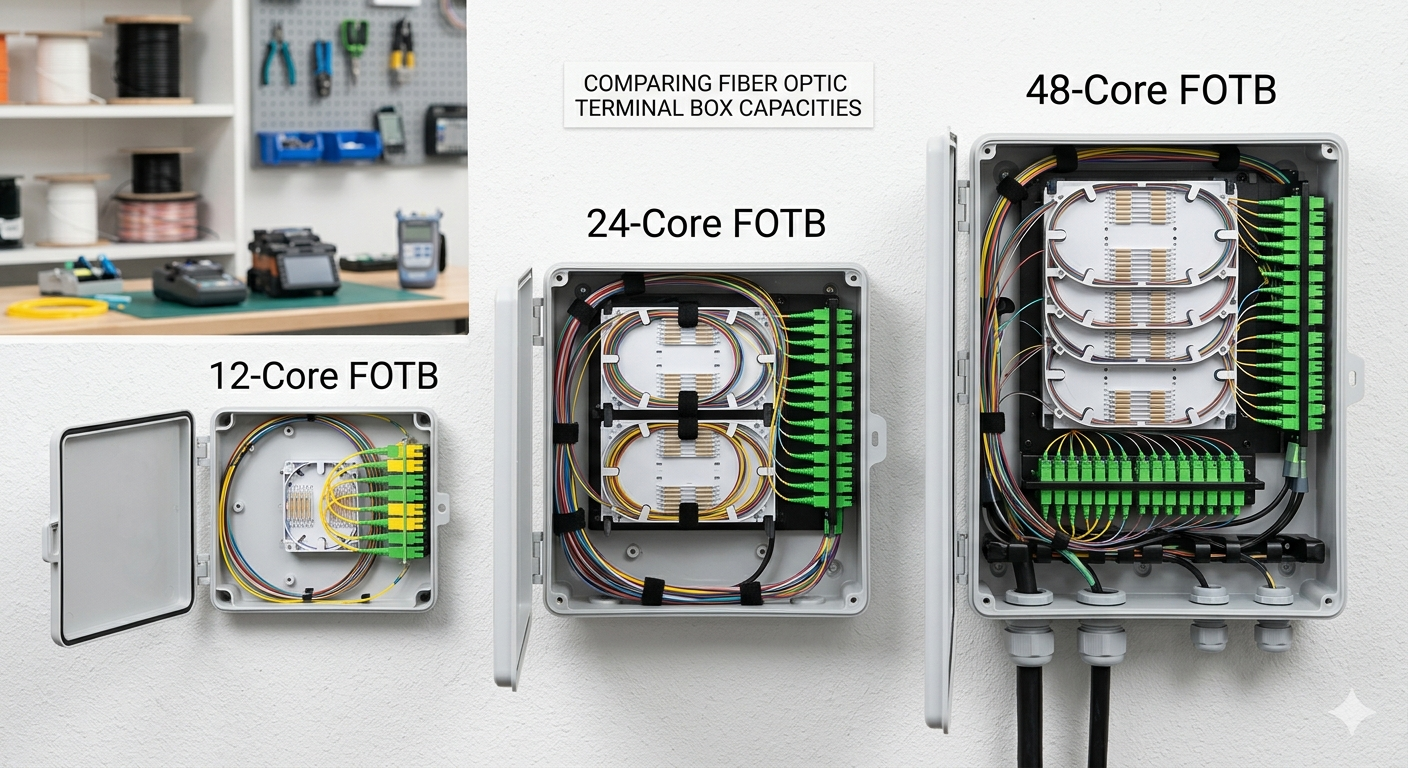
In modern FTTH (Fiber to the Home) and FTTB (Fiber to the Building) deployments, the terminal box acts as the bridge between the distribution cable and the drop cables leading to the customer premises. A 12-core Fiber Optic Terminal Box is typically used for small residential clusters, whereas 48-core models are standard for high-density apartment blocks or commercial hubs. The capacity you choose dictates your network's scalability and maintenance efficiency.
The primary difference between these capacities lies in port density and spatial footprint, which directly impacts the deployment cost per subscriber. Selecting between these options requires a balance between spatial constraints and the predicted take-up rate of your fiber services.
| Feature | 12-Core FOTB | 24-Core FOTB | 48-Core FOTB |
| Typical Application | Villas / Rural areas | Small Apartments | High-rise Buildings |
| Connector Type | SC Simplex / LC Duplex | SC Simplex / LC Duplex | LC Duplex / SC |
| Splice Tray Capacity | 1 x 12 cores | 2 x 12 cores | 4 x 12 cores |
| Average Box Size | Small / Compact | Medium | Large / Wall-mount |
Subscriber density is the single most critical metric when calculating the necessary capacity for your terminal box. You must conduct a site survey to identify the total number of households or offices within a 50-meter radius of the proposed installation point.
Always install 25% more capacity than your current "warm leads" suggest to account for organic network growth. If you have 10 interested customers today, a 12-core Fiber Optic Terminal Box might seem sufficient, but it leaves zero room for error or future neighbors signing up. In this scenario, a 24-core box provides a much safer buffer.
Using LC Duplex adapters can effectively double the capacity of a standard terminal box footprint compared to SC adapters. If your physical installation space is limited (e.g., a cramped utility closet), you can achieve 48-core density in a 24-core sized box by switching to LC connectors.
Passive Optical Network (PON) architectures often use splitters inside the Fiber Optic Terminal Box, which significantly changes the internal space requirement. If you are placing a 1:16 PLC splitter inside the box, a 24-core box is the minimum recommended size to manage the input fiber, the splitter module, and the 16 output drop cables without exceeding the fiber bend radius.
The 24-core capacity offers the best balance between hardware cost and installation versatility for suburban and urban environments. It is large enough to house splitters and provide significant growth potential but small enough to be mounted on utility poles without excessive wind resistance.
Cable management becomes exponentially more difficult as the fiber count increases to 48 cores and beyond. Improper routing in a high-density Fiber Optic Terminal Box leads to macro-bending losses, which can degrade the signal for dozens of customers simultaneously.
When deploying 48-core boxes, ensure the unit features:
For a building with 30 residential units, a 48-core Fiber Optic Terminal Box is the only logical choice to ensure 100% service availability and future-proofing. While a 24-core box is cheaper, it would leave 6 units without the possibility of service, necessitating a secondary installation later that would cost triple the initial savings.
No, Fiber Optic Terminal Box capacity is usually fixed by the physical chassis and adapter panel. Upgrading requires replacing the entire box and re-splicing all existing connections, which causes significant service downtime. It is always better to over-provision slightly from the start.
Indirectly, yes. As the core count increases, the number of exit ports for drop cables increases. If the Fiber Optic Terminal Box is not designed with high-quality seals for 48 individual cables, it is more prone to moisture ingress than a smaller 12-core box with fewer openings.
Using LC Duplex connectors allows you to achieve 48 cores in a physical space usually reserved for 24 SC connectors. This is a "High-Density" solution ideal for data centers or crowded telecommunication rooms where wall space is at a premium.
Before finalizing your purchase, use this checklist to ensure the Fiber Optic Terminal Box capacity matches your project requirements perfectly:
Summary: Determining Fiber Optic Terminal Box capacity is a trade-off between cost and future-proofing. While 12-core boxes serve rural needs and 48-core boxes handle urban density, the 24-core Fiber Optic Terminal Box remains the industry standard for most FTTH deployments due to its flexibility and efficient cable management.

No.255 Lianfei Road, KandunIndustrial Park, Cixi City, ZhejiangProvince, China
Email: [email protected]
Tel: +86 18367407397
Copyright ? Ningbo Goshining Communication Technology Co., Ltd. Fiber Optic Solutions Manufacturer Fiber Optic Products Factory