English
 Español

 Inquiry
Industry News
Home / News / Industry News / What Is a Fiber Optic Terminal Box and Why Does It Matter for Modern Networks?
2026-03-25
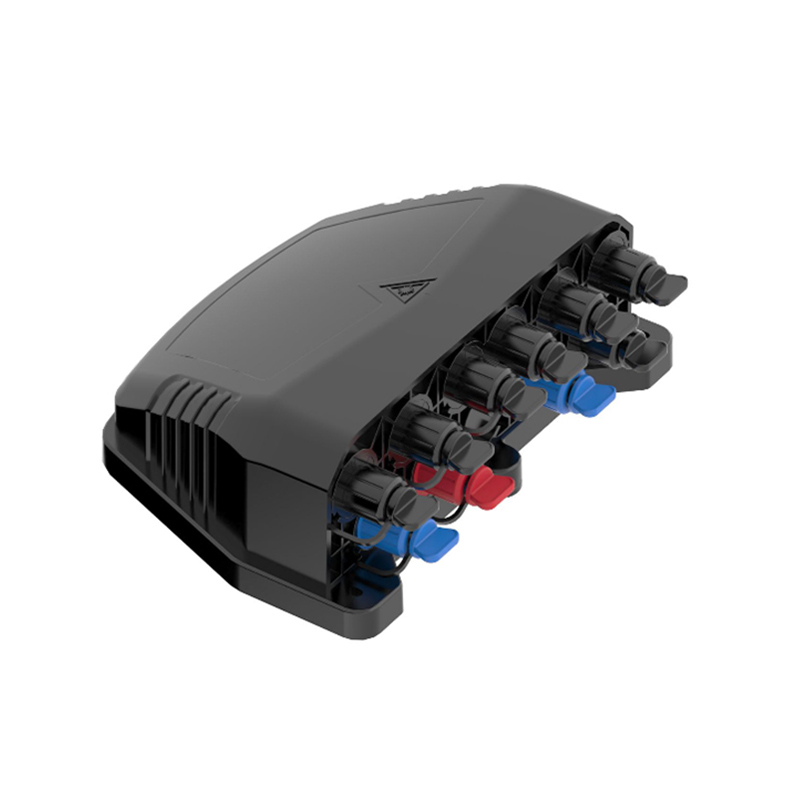
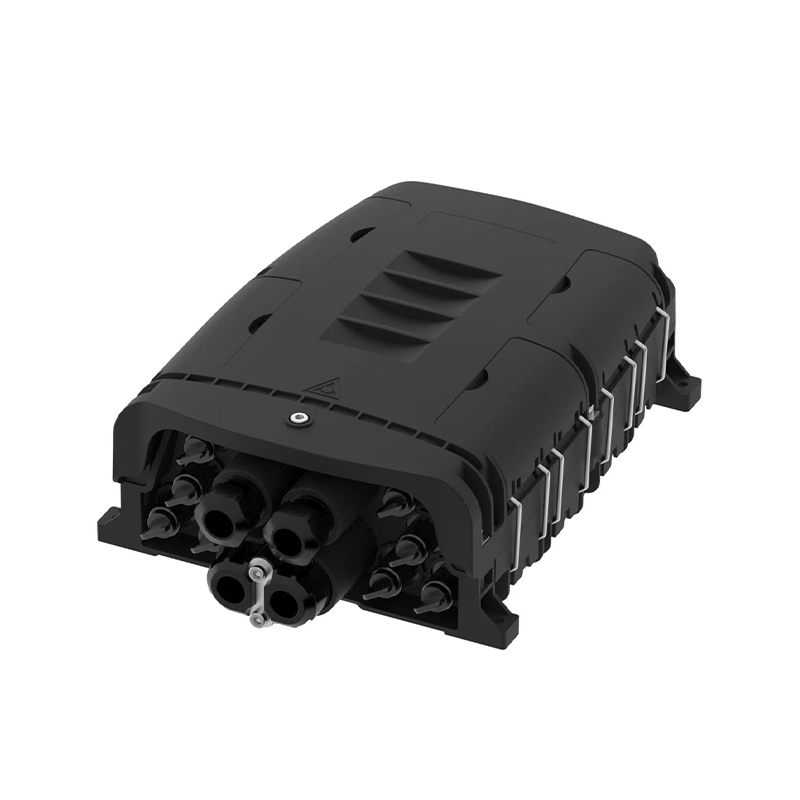
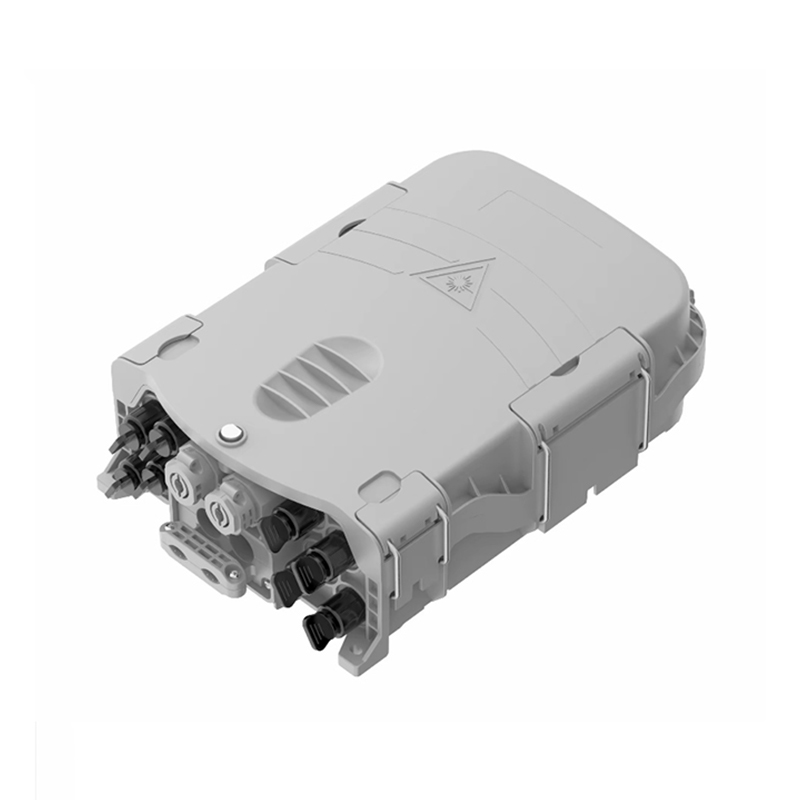
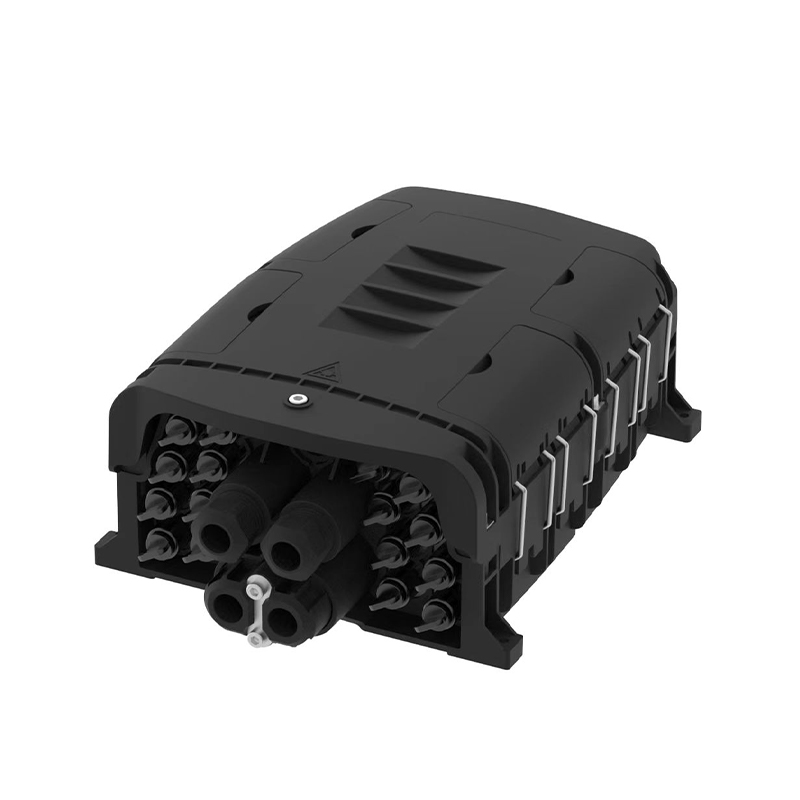
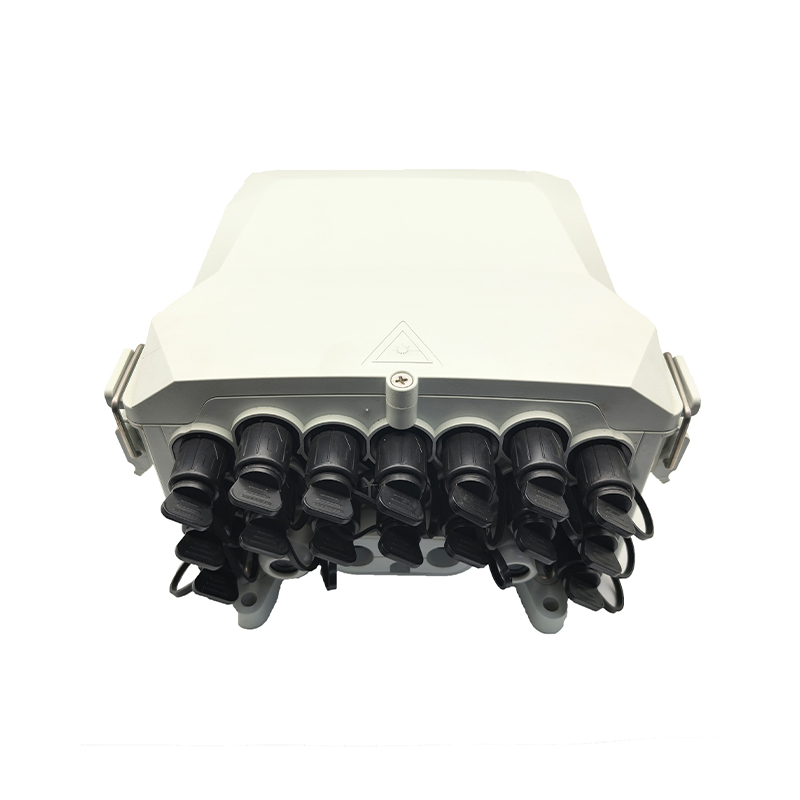
A fiber optic terminal box is a protective enclosure that houses fiber optic splices, connectors, and cable terminations — serving as the critical endpoint where fiber cables are organized, protected, and distributed to end users or equipment. Whether you are building a data center, deploying FTTH networks, or upgrading enterprise infrastructure, understanding this component is essential.
Content
A fiber optic terminal box — also referred to as a fiber termination box, optical fiber terminal box, or FTB — is a wall-mounted or rack-mounted unit designed to terminate optical fiber cables and provide a secure, organized transition point between the fiber infrastructure and user-facing equipment or patch panels.
Unlike a simple splice enclosure, a terminal box typically includes adapter plates, splice trays, and cable management features that allow technicians to make clean connections and protect delicate fiber ends from dust, moisture, and mechanical stress. It acts as the "last mile" junction in fiber deployments.
The box is a foundational element in networks such as FTTH (Fiber to the Home), FTTB (Fiber to the Building), enterprise LAN, and data center cabling, where reliability and cable organization are non-negotiable.
Incoming fiber cables enter the terminal box through cable entry ports equipped with strain relief or cable glands to prevent physical pulling forces from disturbing the splices. Inside, the fibers are routed to a splice tray where they are joined to pigtails using either fusion splicing or mechanical splicing techniques.
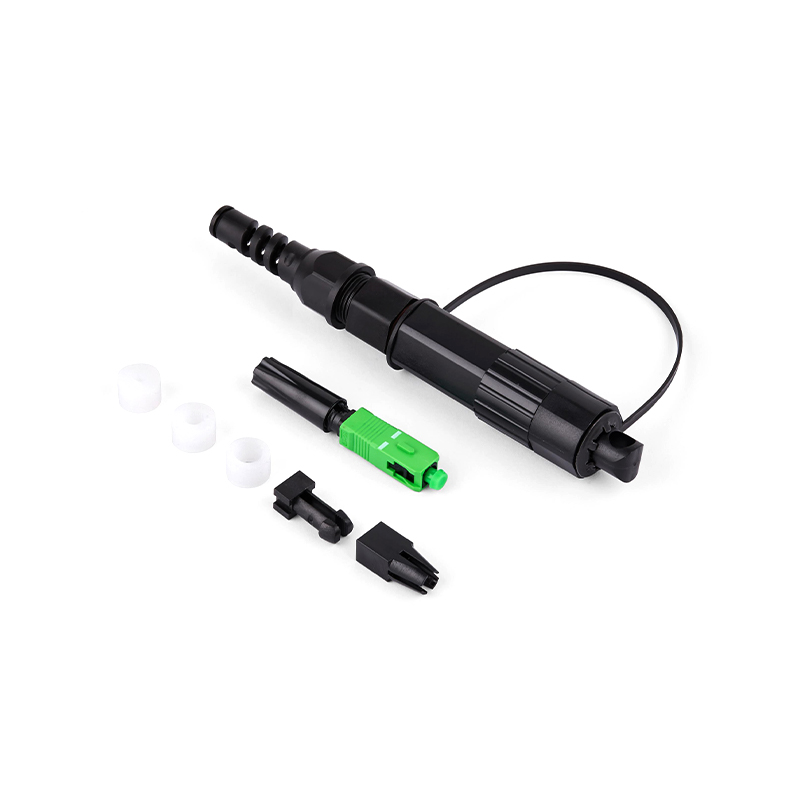
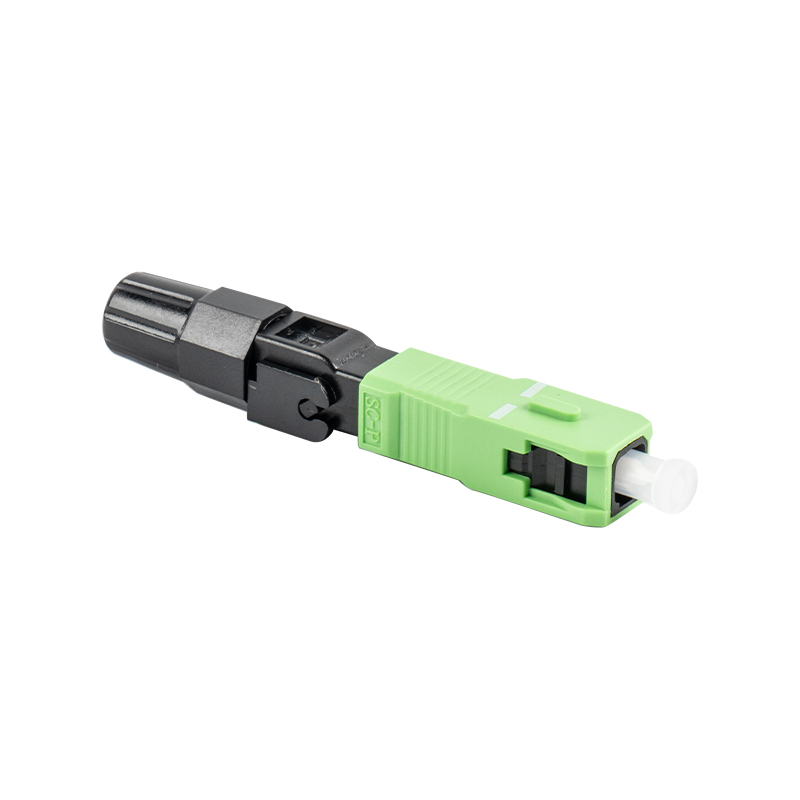
The pigtail connectors — typically SC, LC, FC, or ST types — are then plugged into adapter ports on the front panel of the box. External patch cords or jumper cables connect these adapters to switches, ONTs (Optical Network Terminals), or other active equipment.
Choosing the right type of fiber optic terminal box depends on your deployment environment, port count requirements, and installation method. Here are the most common types:
| Type | Mounting Style | Port Capacity | Best For |
| Wall-Mount Terminal Box | Wall surface or flush | 4 – 24 ports | FTTH, small offices, residential |
| Rack-Mount Terminal Box | 19" rack / 1U–4U | 12 – 144 ports | Data centers, enterprise, MDF/IDF rooms |
| Pole/Outdoor Terminal Box | Utility pole or outdoor wall | 1 – 16 ports | Aerial FTTH, telecom distribution |
| Dome / Underground Box | In-ground or underground vault | Up to 48 splices | Direct-buried or duct networks |
| DIN Rail Terminal Box | DIN rail inside cabinet | 4 – 12 ports | Industrial automation, compact spaces |
These three components are often confused. Understanding their distinct roles helps you select the right equipment for each part of your fiber network.
| Feature | Fiber Optic Terminal Box | Splice Closure | Patch Panel |
| Primary Function | Terminate & connect fibers | Protect mid-span splices | Organize patch cord connections |
| Connector Ports | Yes (SC/LC/FC/ST) | No (splices only) | Yes |
| Includes Splice Tray | Yes (usually) | Yes | No |
| Typical Location | Wall, rack, or pole endpoint | Mid-span, underground | Rack / patch room |
| User Access Frequency | High (plugging/unplugging) | Rare (sealed) | High |
| IP Rating (outdoor) | IP54 – IP68 | IP68 | Indoor only (usually) |
Common configurations are 4-port, 8-port, 12-port, 24-port, 48-port, and above. Always plan for at least 20–30% future growth. Modular terminal boxes allow additional splice trays or adapter panels to be added without replacing the entire enclosure.
Ensure the terminal box supports your required connector standard:
Single-mode fiber (SMF) terminal boxes use OS2 grade adapters with ceramic ferrules and are designed for long-distance, high-bandwidth applications (telecom, backbone links). Multimode fiber (MMF) terminal boxes are used in shorter intra-building runs and support OM3/OM4/OM5 cables. Always confirm that the adapter polish type (UPC vs. APC) matches your fiber system.
For indoor use, ABS plastic enclosures are lightweight and cost-effective. Outdoor and industrial fiber optic terminal boxes should feature die-cast aluminum or UV-stabilized polycarbonate housings with IP54 minimum ratings. IP65 or IP67 is recommended for direct outdoor exposure.
Proper installation ensures low insertion loss and long-term reliability. Follow these steps for a clean, professional deployment:
In fiber-to-the-home and fiber-to-the-building networks, fiber optic terminal boxes serve as the subscriber-side termination point. They are installed at building entrance points (BEPs) or at individual apartment distribution frames, enabling service providers to connect distribution fiber to each customer's ONT device.
High-density rack-mount fiber terminal boxes allow data centers to manage hundreds of fiber connections in compact 1U or 2U form factors. They are critical for inter-rack and top-of-rack switching architectures where cable management and low-latency connections are paramount.
Ruggedized fiber optic terminal boxes with IP66/IP67 ratings and stainless steel hardware are deployed in factories, oil refineries, and utility substations where vibration, dust, moisture, and chemical exposure would destroy standard enclosures.
Universities, hospitals, and corporate campuses deploy wall-mount terminal boxes at floor distribution points (FDPs), providing the termination layer between backbone fiber risers and horizontal runs to workstations, access points, and IP cameras.
Use this checklist before purchasing to ensure compatibility and long-term value:
Regular maintenance extends the life of your fiber optic terminal box and prevents signal degradation caused by contaminated connectors — the single most common cause of fiber network failures.
A fiber optic terminal box typically terminates a single incoming cable to multiple output ports at the subscriber end. A fiber distribution box (FDB) is a larger enclosure used at intermediate distribution points in the network, handling larger splice counts and cable feeder management. The terminal box is the endpoint; the distribution box is a mid-network hub.
No. While the physical enclosure may be compatible, the adapter types differ. Single-mode adapters (typically ceramic, UPC or APC polished) are not interchangeable with multimode adapters (often PC polished with different ferrule tolerances). Always use a terminal box with adapters that match your fiber type to avoid significant signal loss and reflectance issues.
This varies widely by model. Small wall-mount units typically accommodate 4–12 splices. Larger rack-mount or modular enclosures can handle 24–144 splices or more. Always select a box with at least 20% headroom beyond your current splice count.
For outdoor aerial or pole-mount installations, a minimum of IP55 is recommended. For ground-level or harsh marine/industrial environments, choose IP65 or IP67. For direct burial or temporary submersion, use IP68 rated enclosures.
The most common causes are dirty or contaminated connectors, mismatched connector types (e.g., UPC to APC mating), poor fusion splice quality, excessive fiber bending inside the tray, and damaged ferrule end faces. Regular cleaning and OTDR testing prevent most of these issues.
Pre-loaded terminal boxes come with factory-terminated pigtails and pre-installed adapters, offering faster deployment and factory-grade splice quality. Empty (unloaded) boxes offer flexibility for field technicians to install custom pigtails and adapters based on specific project requirements. Pre-loaded units are ideal for large rollouts; empty units suit custom or mixed-connector environments.
The fiber optic terminal box may seem like a small component in the larger context of a fiber network, but it plays an outsized role in determining long-term performance, reliability, and ease of maintenance. From protecting delicate fiber splices to providing organized, accessible connection points for technicians, every detail of a quality terminal box — material, port count, IP rating, connector type, and modularity — directly impacts total cost of ownership and network uptime.
Whether you are planning a large-scale FTTH deployment, upgrading a data center cabling infrastructure, or simply extending fiber to a new building floor, investing in the right fiber optic terminal box from the start saves significant time and money down the road. Use the comparison tables, buying checklist, and FAQ in this guide to make an informed decision tailored to your specific application.
Always prioritize compliance with international standards such as IEC 61300 and TIA-568, and partner with suppliers who can provide full test documentation and long-term product support.

No.255 Lianfei Road, KandunIndustrial Park, Cixi City, ZhejiangProvince, China
Email: [email protected]
Tel: +86 18367407397
Copyright ? Ningbo Goshining Communication Technology Co., Ltd. Fiber Optic Solutions Manufacturer Fiber Optic Products Factory