English
 Español

 Inquiry
Industry News
Home / News / Industry News / What is a Fiber Optic Terminal Box, and What Role Does It Play in Fiber Optic Networks?
2026-04-02
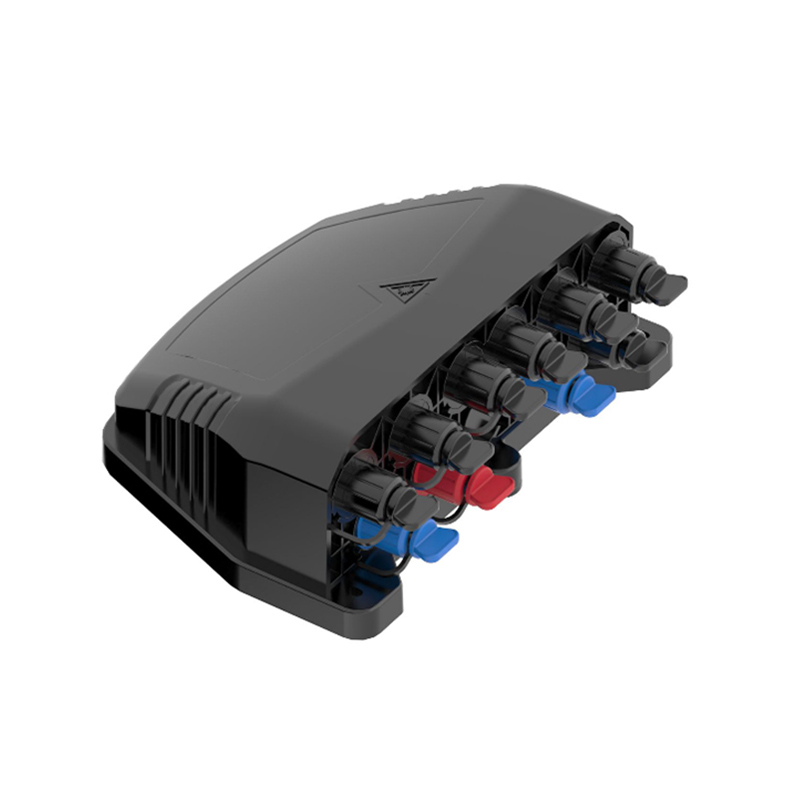
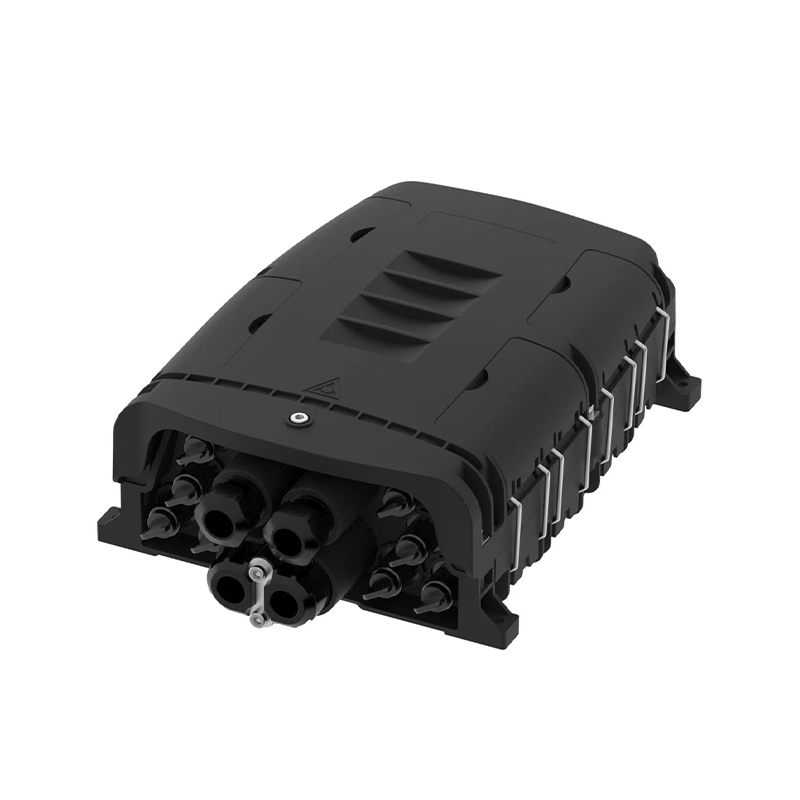
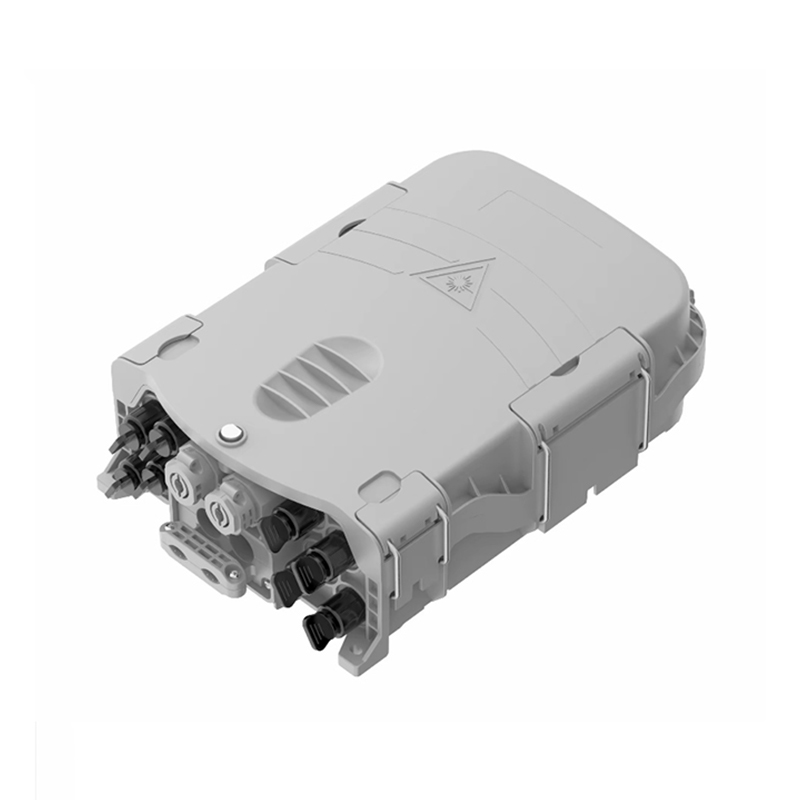
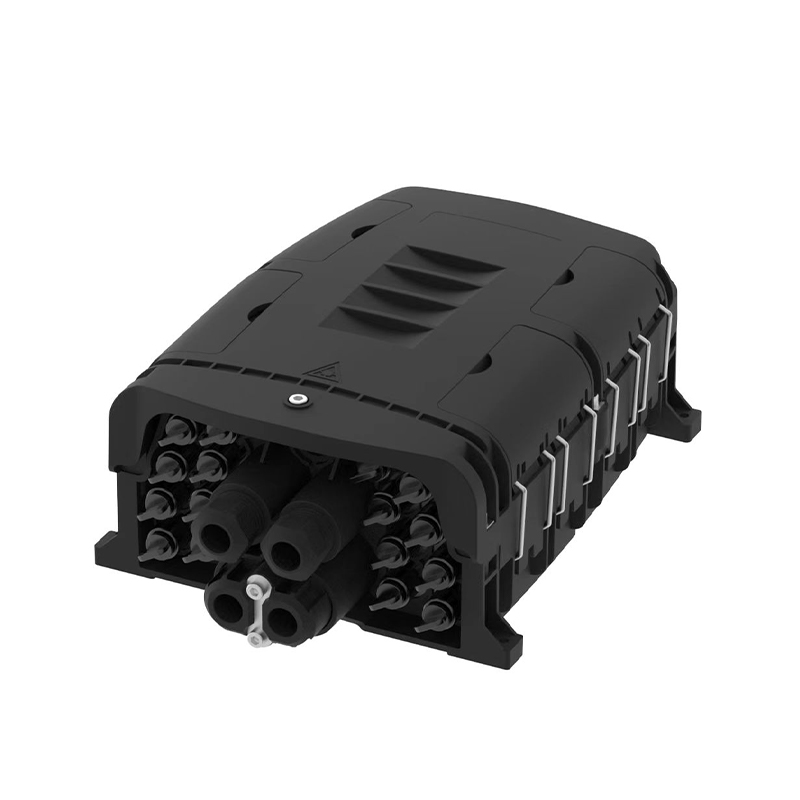
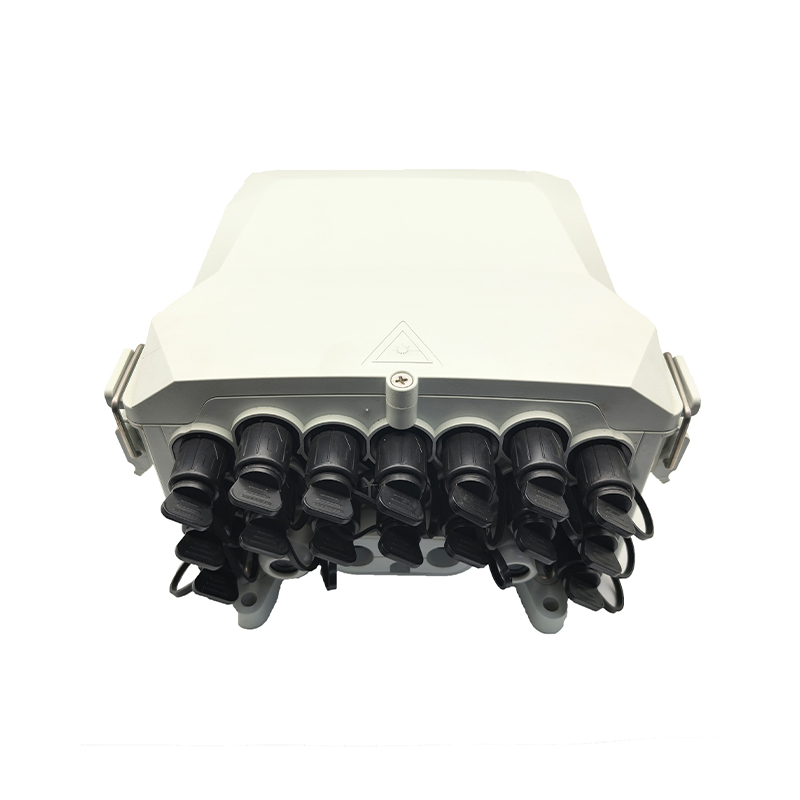
In the modern era of high-speed communication, the Fiber Optic Terminal Box (also known as an OTB or Optical Termination Box) serves as the crucial "final mile" bridge between the service provider's backbone infrastructure and the end-user. Simply put, it is a protective housing designed to facilitate the termination, splicing, and distribution of fiber optic cables. By providing a secure environment for delicate glass fibers, it ensures that high-speed internet, television, and voice services remain stable and interference-free.
Content
A Fiber Optic Terminal Box is not just a plastic or metal container; it is a sophisticated management system. Its primary role in a network can be broken down into four essential pillars:
Depending on the installation environment and the scale of the network, different types of terminal boxes are utilized. Choosing the right one is vital for network longevity.
Indoor boxes focus on aesthetics and compact design, often mounted in office hallways or home cabinets. Outdoor boxes, however, are built with ruggedized materials (often IP65 or IP67 rated) to withstand UV radiation, extreme temperatures, and heavy rain.
Wall-mounted units are common in residential buildings (FTTH), while rack-mounted units are found in data centers or telecommunication rooms, fitting into standard 19-inch equipment racks.
To better understand the Fiber Optic Terminal Box, it is helpful to compare it with other common fiber management tools like the Fiber Distribution Frame (ODF) and Fiber Splice Closures.
| Feature | Fiber Optic Terminal Box | Fiber Distribution Frame (ODF) | Fiber Splice Closure |
|---|---|---|---|
| Primary Location | End-user / Wall / Pole | Central Office / Data Center | Underground / Aerial |
| Capacity | Small (1-48 cores) | High (96-1000+ cores) | Medium (12-144 cores) |
| Main Purpose | Termination & User Access | Large scale management | Protecting outdoor splices |
| Environment | Indoor/Outdoor Wall mount | Controlled Indoor Room | Harsh Outdoor/Buried |
Optical fibers are made of glass and are roughly the thickness of a human hair. Any excessive bending or pressure can lead to "micro-bends," which scatter light and degrade the signal. A high-quality Fiber Optic Terminal Box is engineered to maintain a specific "bend radius." This ensures that the fiber is never coiled too tightly, which is the number one cause of network failure during installation.
Furthermore, the box provides strain relief. External cables are often heavy and subject to pulling forces. The terminal box clamps these cables securely so that the tension is absorbed by the box's structure rather than the delicate spliced connections inside.
Understanding the installation workflow helps clarify why this component is so vital:
When selecting a box for a network project, consider the following technical specifications:
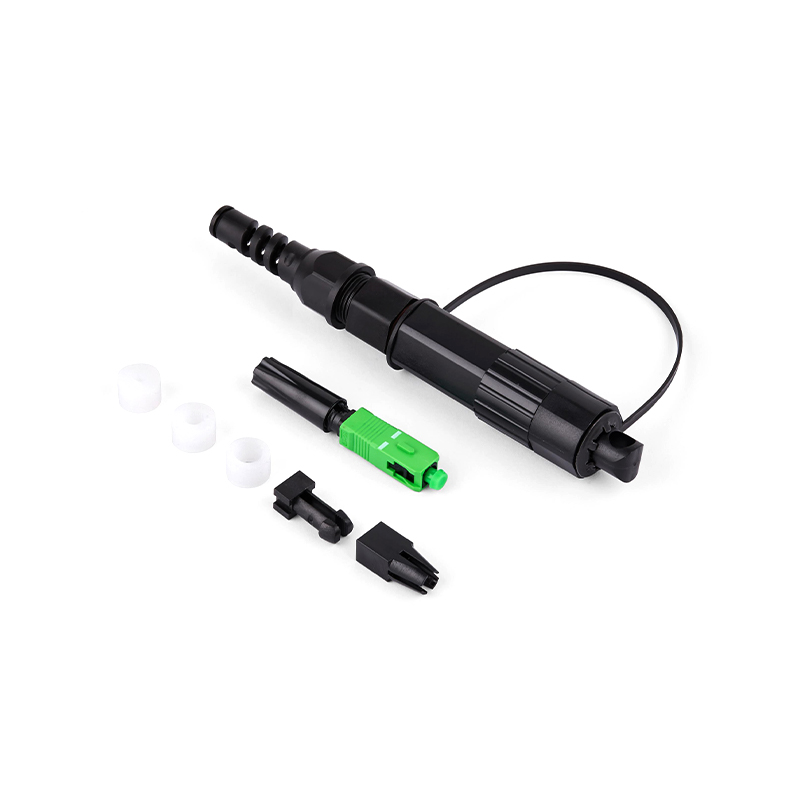
As 5G networks and smart cities expand, the demand for compact and modular Fiber Optic Terminal Boxes is growing. We are seeing a move toward "Pre-terminated" boxes. These allow for "plug-and-play" installation, significantly reducing the time and skill required for field splicing. This is especially critical in high-density urban areas where speed of deployment is a competitive advantage for ISPs.
Q: Can I use an indoor Fiber Optic Terminal Box outside?
A: It is highly discouraged. Indoor boxes lack the UV protection and water-sealing required for outdoor environments. Exposure to the elements will lead to fiber degradation and box brittleness over time.
Q: How many fibers can a standard terminal box hold?
A: Capacity varies widely. Small residential boxes usually hold 1 to 4 fibers, while building distribution boxes can hold 12, 24, or 48 fibers. Large industrial units can exceed these numbers.
Q: What is the difference between a terminal box and a junction box?
A: While both provide protection, a Fiber Optic Terminal Box includes specific internal components for optical management, such as splice trays and adapter panels, which a generic junction box lacks.
The Fiber Optic Terminal Box is an unsung hero of the digital age. By providing a secure, organized, and protected environment for fiber terminations, it ensures that the high-speed data traveling across continents can successfully reach its final destination—the end user. Whether you are designing a small office network or a city-wide FTTH deployment, choosing the right Fiber Optic Terminal Box is the foundation of a reliable and scalable infrastructure.

No.255 Lianfei Road, KandunIndustrial Park, Cixi City, ZhejiangProvince, China
Email: [email protected]
Tel: +86 18367407397
Copyright ? Ningbo Goshining Communication Technology Co., Ltd. Fiber Optic Solutions Manufacturer Fiber Optic Products Factory